
Digitizing a store: five questions your data should answer
How much did the store earn? Which products deserve replenishment? What advertising spend can it afford? When should it reorder? Can it meet its payment obligations? Each question needs a source, a calculation and an action. The field names below were checked against original Excel exports; purchase costs, stock and external expenses require your own records.
Digitization should produce five verifiable answers. Attach a source document, period, calculation and action to each one.
Five questions that turn reporting into decisions
Start with one closed period. Listed turnover, marketplace accruals, bank payouts and profit answer different questions. Connect them while preserving each definition and source row.
| Question | Metric | Action |
|---|---|---|
| 1. What did we earn? | Period profit after cost of sales, services, ads, external expenses and taxes | Identify the expense or price change behind the result |
| 2. Which products contribute? | SKU contribution after direct costs | Replenish where contribution and demand justify it |
| 3. What can ads cost? | Cost per completed purchase and contribution before ads | Set a limit based on the product economics |
| 4. When should we reorder? | Available-stock cover and replenishment lead time | Order before available stock runs out |
| 5. Can we meet payments? | Lowest daily balance in the cash calendar | Align purchase dates and payment commitments |
The following sections explain each answer. Marketplace reports establish marketplace transactions; they do not supply your purchase costs, bank balance or all future obligations. Missing inputs prevent a complete answer.
1. How much did the store actually earn?
Open realization and expenses for the same period. Download the weekly financial Excel on WB. In Ozon use Finance → Documents and the closed-month realization report. On Market use Finance → Financial reports → Realization. The tax guide with exact report files and fields explains paths and tax-income differences.
| Marketplace and inspected file | Reconciliation | Do not substitute |
|---|---|---|
| WB weekly financial-report list | «Продажа» includes «В том числе Компенсация скидки по программе лояльности» | «К перечислению за товар» and «Итого к оплате» are settlement values, not profit |
| Ozon «Отчет о реализации» | Over product rows: realization + partner payments on sales − realization returns − partner-payment returns over product rows | «Цена реализации, руб.» is a unit price, not total sales |
| Market «Доставленные товары» | «Стоимость всех доставленных штук с НДС с учётом всех скидок, ₽»; reconcile returns separately | «Стоимость всех доставленных штук с НДС без учёта скидок, ₽» excludes discounts; a bank payout is a settlement |
Realization is the starting control. Ozon expenses also require the accrual export: sheet «Начисления», «Группа услуг», «Тип начисления», «Сумма итого, руб.». Select service charges and corrections with their original signs, separating ads. Obtain purchase costs and external expenses from your records. Turnover minus payout does not reliably identify all service costs: other periods and offsets can intervene.
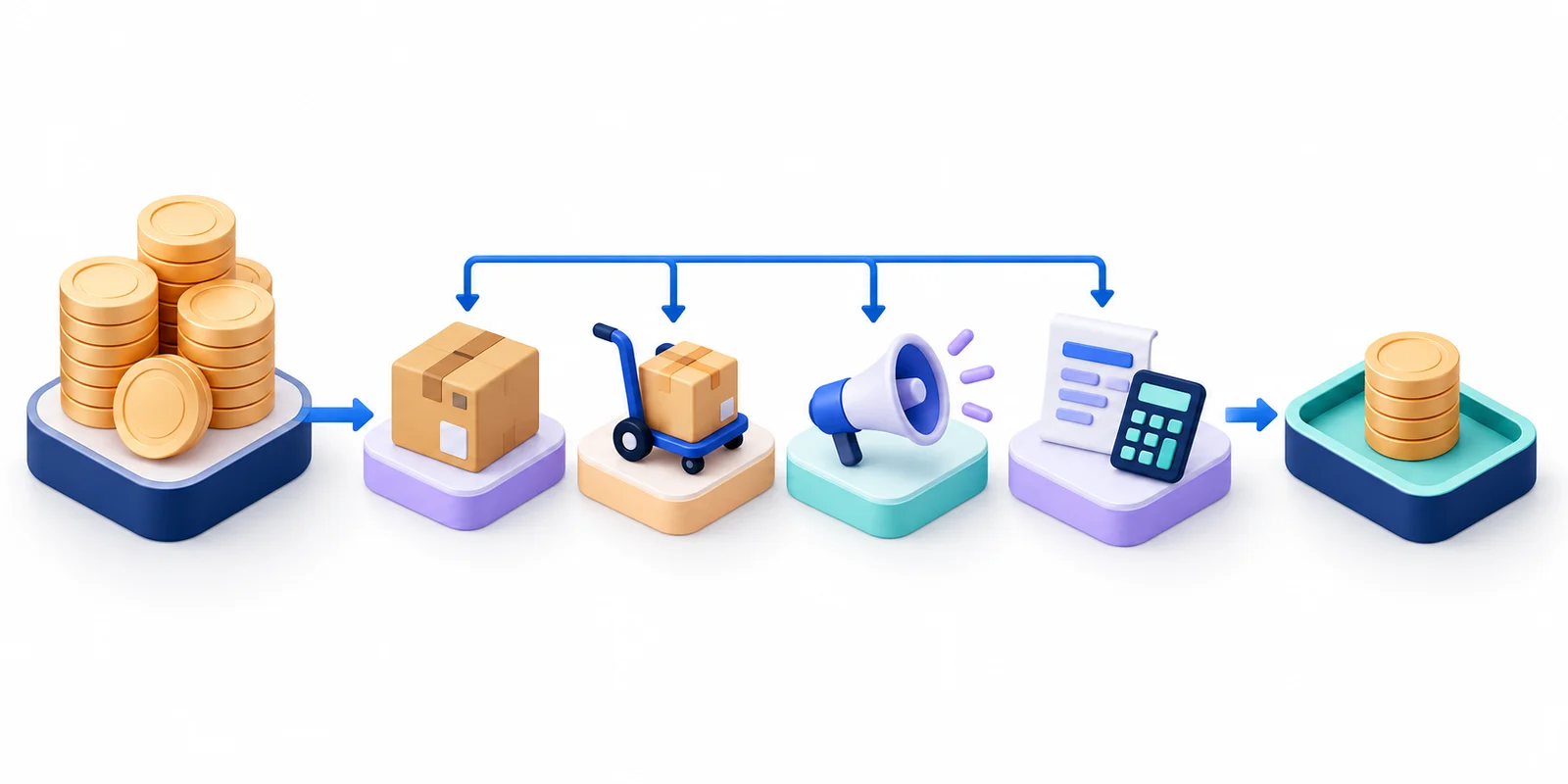
Period profit = period income − cost of goods sold − marketplace services − ads − external expenses − taxes
VAT payers must use consistent income and expense bases, accounting for output and deductible input VAT under their regime. Calculate tax separately under the applicable rules, rather than applying an arbitrary percentage to the bank payout.
Action: explain changes against a comparable period using income and cost lines traceable to documents. Flag missing purchase costs instead of reporting overstated profit.
2. Which products contribute profit?
Build contribution around your own product code. Ozon realization uses «Артикул» and «SKU»; accruals use «Артикул» and «SKU». Market uses «Ваш SKU» on «Доставленные товары» and «Ваш SKU» in payments. Maintain these mappings in the product directory.
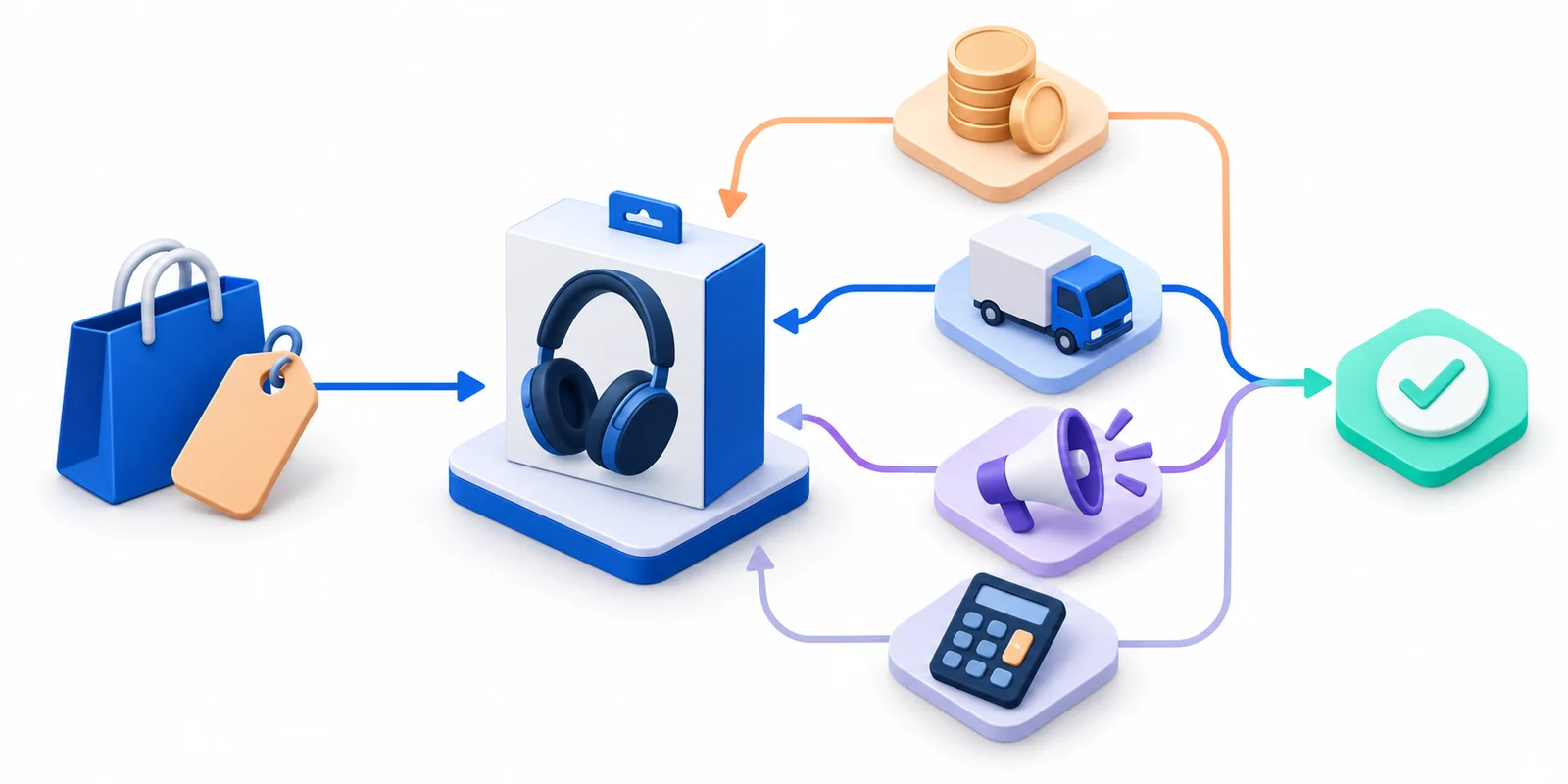
SKU contribution = SKU income net of returns − cost of sold units − direct services − SKU ads − attributable taxes
Calculate transaction totals first. An average per unit is useful only when the sales population is clear: price changes, purchase batches and earlier-period returns affect it. Expand bundle costs by their components. Keep unassigned expenses separate until an explicit allocation rule applies.
The inspected WB weekly summary has totals but no product codes. It cannot establish individual SKU profit. Obtain product-level details for that purpose; do not import column names from a different form into the summary.
Action: investigate price, costs and ads before replenishing a negative-contribution product. Positive contribution must still cover overhead. Products with unknown purchase costs remain unresolved.
3. How much can advertising cost?
Match expenses to completed sales. Ad reports describe campaigns and charges; realization describes completed purchases. Funding an ad balance is not itself that day’s promotion expense. Do not add a charge twice when it appears in both financial and advertising reports.
Ad cost per purchased unit = ad expenses / completed purchased units
Ad cost ratio = ad expenses / defined revenue × 100%
Allowed ads per unit = contribution before ads − required contribution after ads
Use matching SKUs, periods and attribution rules. Do not divide by zero units or zero revenue. A negative allowance means the chosen economics cannot support additional advertising. Establish pre-ad contribution from actual selling income, services, purchase costs and tax estimates.
In Ozon classify ad accruals using «Группа услуг» and «Тип начисления», with «Сумма итого, руб.» as the amount. «Сумма итого, руб.» also contains revenue and other services, so its entire sum is not ad spend. Select types present in your file and reconcile promotion documents. Market separates promotion costs from other services.
Action: set ad limits using product contribution. A ratio against all store sales differs from a campaign-attributed sales ratio; show the denominator alongside the percentage.
4. When should stock be replenished?
Use a separate stock report. Financial realization confirms sales, not today’s availability. Replenishment needs sellable stock by warehouse, reservations, damaged goods, confirmed inbound quantities and availability dates. Check literal stock headers in your own export; the financial files discussed here do not contain them.
Stock cover = available units / average completed units per day
Reorder point = average daily demand × (lead time + safety days)
Order = max(0; target stock − available stock − confirmed timely inbound)
This is a planning model with specified demand and lead time. Use a comparable demand interval, treating out-of-stock days and seasonality separately. Zero sales do not yield useful cover through division. Count inbound stock when it becomes available, then apply pack sizes and minimum-order constraints.
Market «Доставлено, шт.» on «Доставленные товары» controls completed units for a period. It is neither stock nor a demand forecast. Cancelled orders and goods merely handed to delivery are not completed purchases.
Action: reorder when projected cover cannot meet replenishment lead time and reserve. Check contribution and cash availability before committing payment.
5. Will cash cover purchases, tax and payroll?
Start with the bank balance on a specific date. Schedule confirmed receipts, supplier payments, payroll, taxes, rent and other commitments by day. Keep a supporting document, due date and owner for each payment. Treat income from uncompleted orders as a separate scenario.
Closing daily cash = opening cash + daily receipts − daily payments
Funding need = max(0; required reserve − lowest calendar balance)
In Market «Отчёт о платежах», «Сумма транзакции, ₽» identifies a marketplace operation, «Статус» its state, and «Сумма платежного поручения или удерживаемая за услуги сумма, ₽» a settlement field. A positive accrual is not automatically a bank receipt. Multiple rows can belong to one payout: check grouping before adding repeated payment-order amounts.
WB «Итого к оплате» likewise does not establish bank receipt on a date. Reconcile past receipts with the statement and future receipts with the applicable payout schedule. Schedule tax using your estimate and due date; consult the tax guide with exact report files and fields.
Action: identify the first day below reserve and adjust purchasing or arrange funding before that date. A positive month-end balance does not remove an earlier cash shortage.
Connect the five answers to source reports
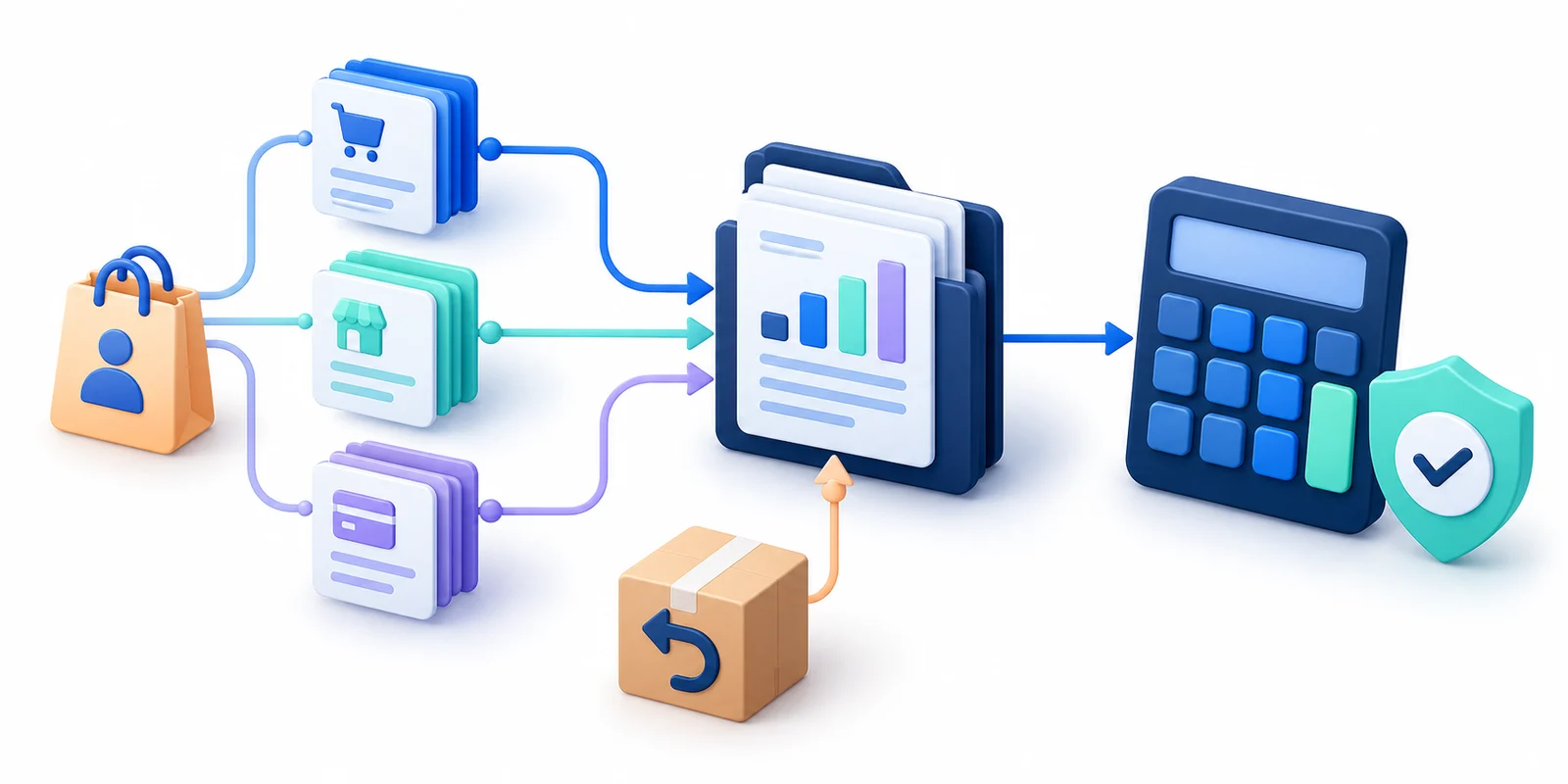
Keep original Excel files separate from calculation sheets. Record marketplace, period, worksheet, source row and own SKU so a changed result can be explained by a transaction.
| Data | Inspected source | Control |
|---|---|---|
| Ozon sales and returns | «Отчет о реализации»: product rows «Реализовано на сумму, руб.», «Возвращено на сумму, руб.» and partner payments in both groups | realization − realization returns and partner payments on sales − partner-payment returns reconcile to their respective footers; exclude footer rows from sums |
| Ozon services | «Начисления»: «Группа услуг» and «Тип начисления» classify «Сумма итого, руб.» | Preserve sign and type; separate revenue, services and ads |
| Market payments | «Отчёт о платежах»: «ID транзакции», «Сумма транзакции, ₽», «Тип транзакции», «Источник транзакции» | Do not deduct a buyer refund twice if the amount is already negative |
| Purchase costs and external expenses | Invoices, service documents, contracts and accounting records | Supporting evidence and product/period allocation rule |
| Stock and cash | Stock report and bank statement | Sales and accruals do not replace actual balances |
Match fields by name, worksheet and report group. Update mappings when headers or structure change. The tax guide with exact report files and fields covers download paths and tax fields; consult Market’s financial-document help for its report types.
Verify the result before accepting digitization
- Define scope. One period, matching marketplaces and explicit sales/expense recognition dates.
- Reconcile source totals. Check sales, returns and services independently; offsetting errors can hide behind a correct grand total.
- Inspect difficult operations. Earlier-sale returns, bundles, cost changes and unassigned expenses need explicit treatment.
- Reproduce all five answers. Profit, SKU contribution, ad allowance, replenishment need and lowest cash balance.
- Assign an action. Record an owner and review date. Do not present incomplete calculations as final.
In UniTab move from the overview to P&L, unit economics and stock. A useful result is traceable to documents and tells the team what to change.
Frequently asked questions
Where should an Excel-only store start?
Reconcile one closed month of sales, returns, services and product costs using a common SKU. Add advertising, stock and the cash calendar after document totals agree. Automating unreconciled data accelerates mistakes.
How often should the five measures update?
Check stock, advertising and near-term payments daily. Treat in-month profit as provisional; close it after final documents arrive and explain adjustments.
Can turnover alone guide the business?
No. Revenue does not account for purchase costs, every expense or payment timing. Definitions also differ by report: Market analytics revenue, for example, does not deduct returns. Reconcile realization, expenses, stock and cash separately.
How do I measure the benefit?
Record the initial deviation and the outcome: ad cost per purchase, SKU contribution, stock days or minimum cash balance. Compare consistent periods and distinguish your action from demand and price changes.
Check your product economics
Start with price, cost of goods and marketplace expenses. Compare scenarios before buying stock, then check the forecast against actual results.
Open the free calculator