When Google Sheets is no longer enough: beyond file size
A cell limit alone does not explain why a particular file opens slowly or reports incorrect profit. Inspect grid size, formulas, the importer and field meanings. Here we use an original Ozon report and current Google documentation.
Keep spreadsheets where they help. Move raw operations and repeatable heavy calculations when maintenance starts obstructing decisions.
Current limit: 20 million cells
Checked on 15 October 2026. Google increased Sheets capacity from 10 to 20 million cells, including imported spreadsheets. Consult official Drive help for current limits.
Capacity includes the allocated grids across every tab, including empty rows and columns, rather than only populated values. Copies and intermediate sheets also occupy space.
The importer has separate limits. Apps Script quotas specify six minutes per ordinary script execution; custom functions and some other contexts have different limits. Spreadsheet capacity does not ensure an import completes within its runtime. Verify each load’s completion.
How to estimate your own spreadsheet’s size
Workbook size depends on the period, operation count, export form and extra tabs. Estimate capacity from allocated rows and columns on each sheet, including empty grid areas. Conversion can allocate a different grid from the source Excel.
Allocated workbook capacity = sum of (allocated rows × allocated columns) across all sheets
Worksheet rows are not automatically operations: reports can include metadata, grouped headers, totals and signatures. Select actual data rows for financial sums and use totals as controls. Copies and intermediate tabs also consume cells.
This estimates capacity, not speed. Measure opening, import and recalculation separately on the same dataset. Another merchant’s export size does not describe your file.
What a financial Excel import can lose
| Import risk | Original file | Preserve the meaning |
|---|---|---|
| Duplicate Ozon header | «Выплаты по механикам лояльности партнёров, руб.» | Retain upper groups «Реализовано» and «Возвращено клиентом» |
| Price substituted for amount | Ozon: «Цена реализации, руб.» is a unit price; «Реализовано на сумму, руб.» and «Возвращено на сумму, руб.» are amounts | Map by meaning, not the first numeric field |
| Totals mixed with rows | Ozon has net-of-return footers | Sum product rows, then reconcile the footer |
| Wrong refund sign | Market «Источник транзакции», «Сумма транзакции, ₽» | Buyer refunds are already negative in the inspected file; do not subtract twice |
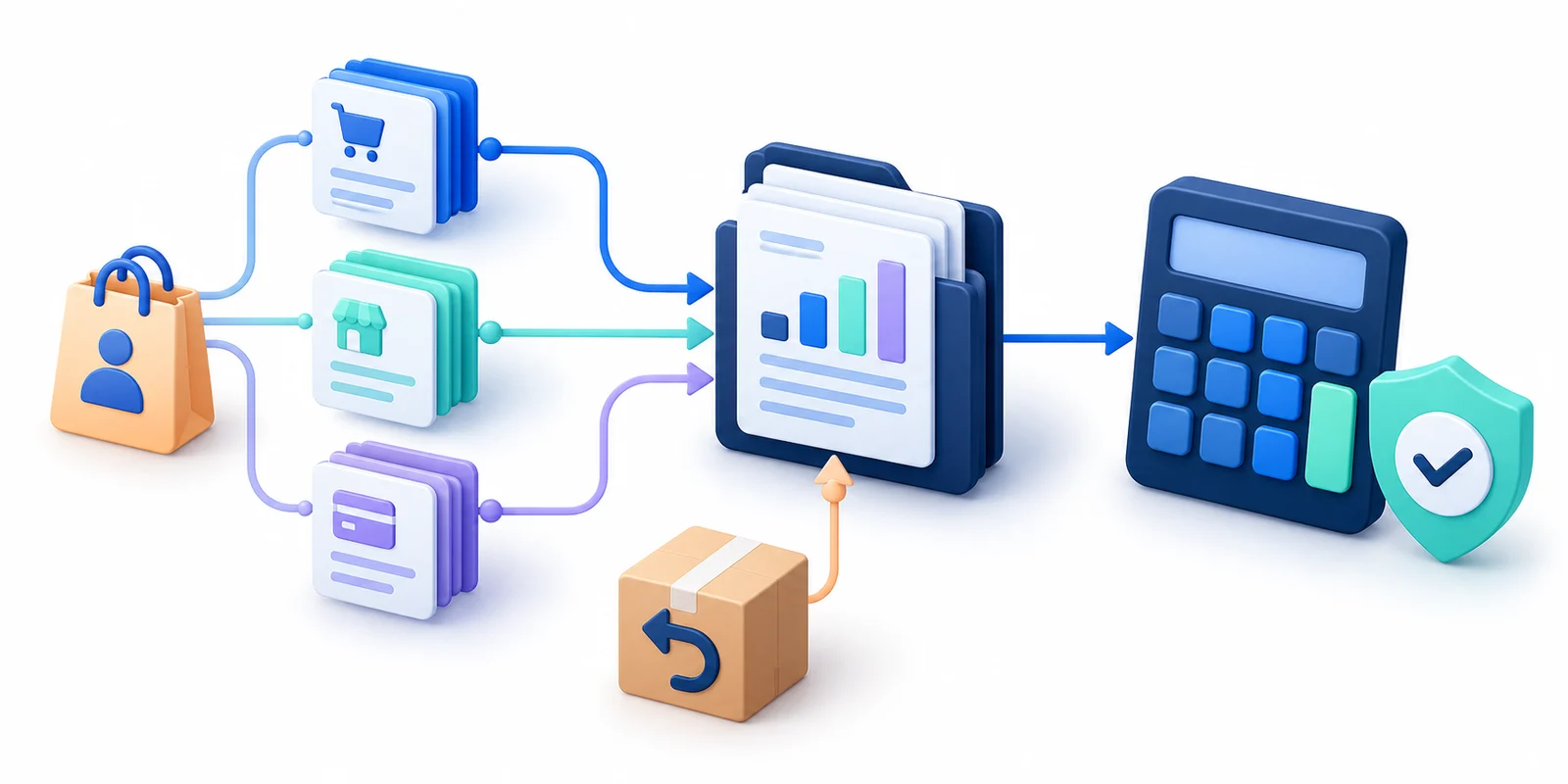
Static XLSX and recurring API loads require different completeness checks. For a file, verify worksheets, headers, product-row boundaries and totals. APIs also require all response pages, reimport handling and corrections. See the data-verification article.
What should stay in a spreadsheet
- Spreadsheet: purchasing plans, price scenarios, owned manual directories and small reconciliation samples.
- Unmodified source: original Excel, report period, form and export date.
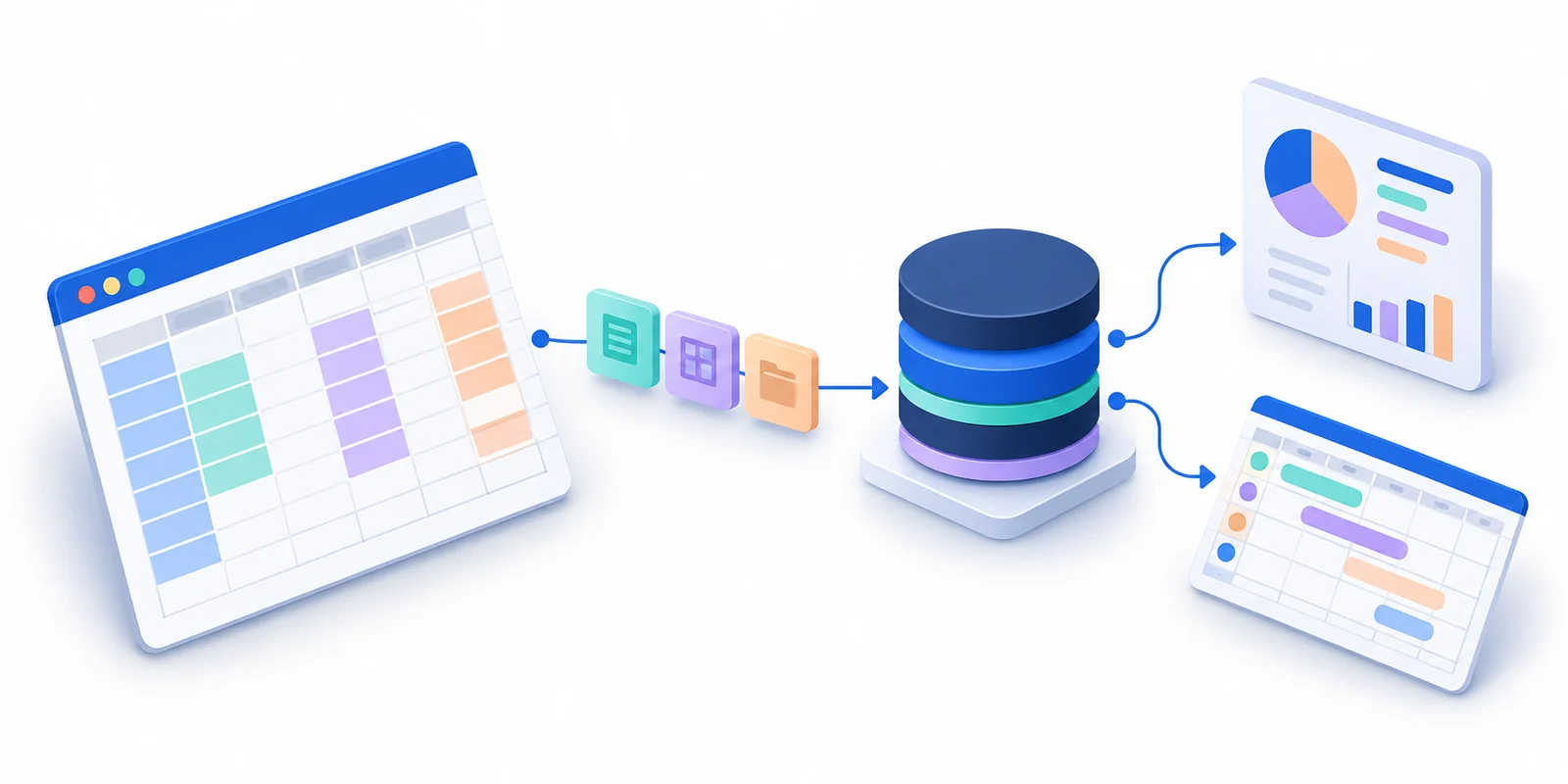
- Calculation model: normalized operations, correction versions, product mappings and calculation rules.
- Overview: result, last successful update, completeness status and source trace.
Move processing when repeated loads, corrections and concurrent edits become difficult to control. Establish the cause through incomplete imports, lost rows, wrong totals or measured recalculation time. File size alone does not prove it.
Migrate without interrupting work
- Fix a control period and preserve original files.
- Transfer definitions of income, returns and costs, not just old total formulas.
- Reconcile sales, returns, services and purchase costs separately; do not override profit to force agreement.
- Reimport the same set: operation counts and control totals must remain unchanged.
- Assign directory ownership and past-period correction rules before moving daily work to the new model.
Keep Google Sheets for plans and spot checks. Accept the transition when the team can reproduce figures and explain changes.
Frequently asked questions
Is the limit still 10 million cells?
Google announced an increase to 20 million in September 2026. Check the current official documentation before estimating capacity.
Is every large spreadsheet slow?
No. Formulas, dependencies, imports and design matter. Measure actual performance.
Should spreadsheets be deleted after migration?
No. They remain useful for planning, experiments and reconciliation samples.
What needs to be reconciled?
The same closed period, metric definitions, returns, deductions, product costs and external expenses. One matching grand total is insufficient.
Check your product economics
Start with price, cost of goods and marketplace expenses. Compare scenarios before buying stock, then check the forecast against actual results.
Open the free calculator